All Resonance Platform Updates for September 2026
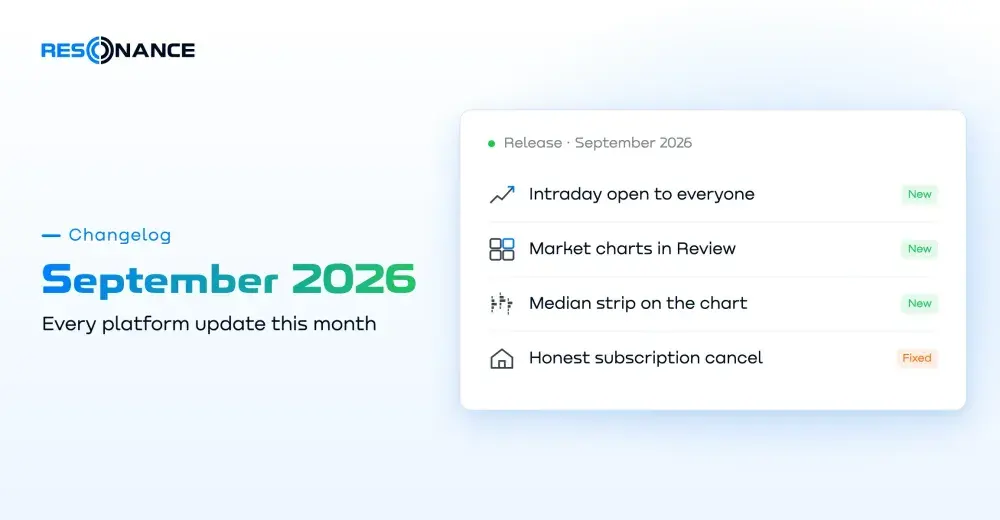
The intraday strategy is now open to everyone, “Review” gained charts of the whole market, the simulator and training charts work properly again, and cancelling a subscription does exactly what it promises.
Table of contents
In September the intraday strategy left closed testing and now remembers your settings. “Review” gained charts that show what the whole market was like. And there were plenty of fixes where precision matters: in the simulator, on charts and in subscriptions.
Intraday Strategy — for Everyone
The intraday trading section now opens like any other page of the site.
What’s new
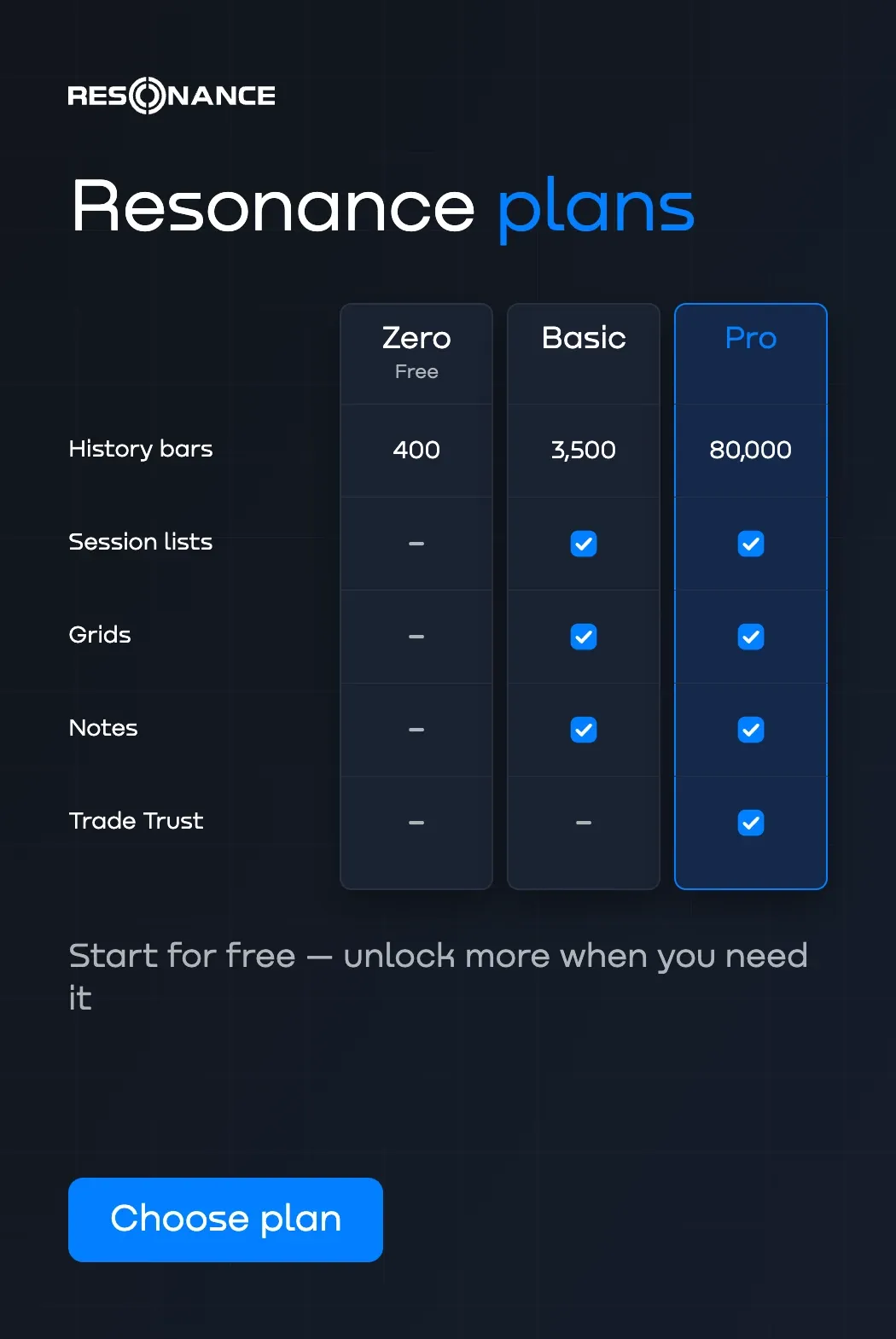
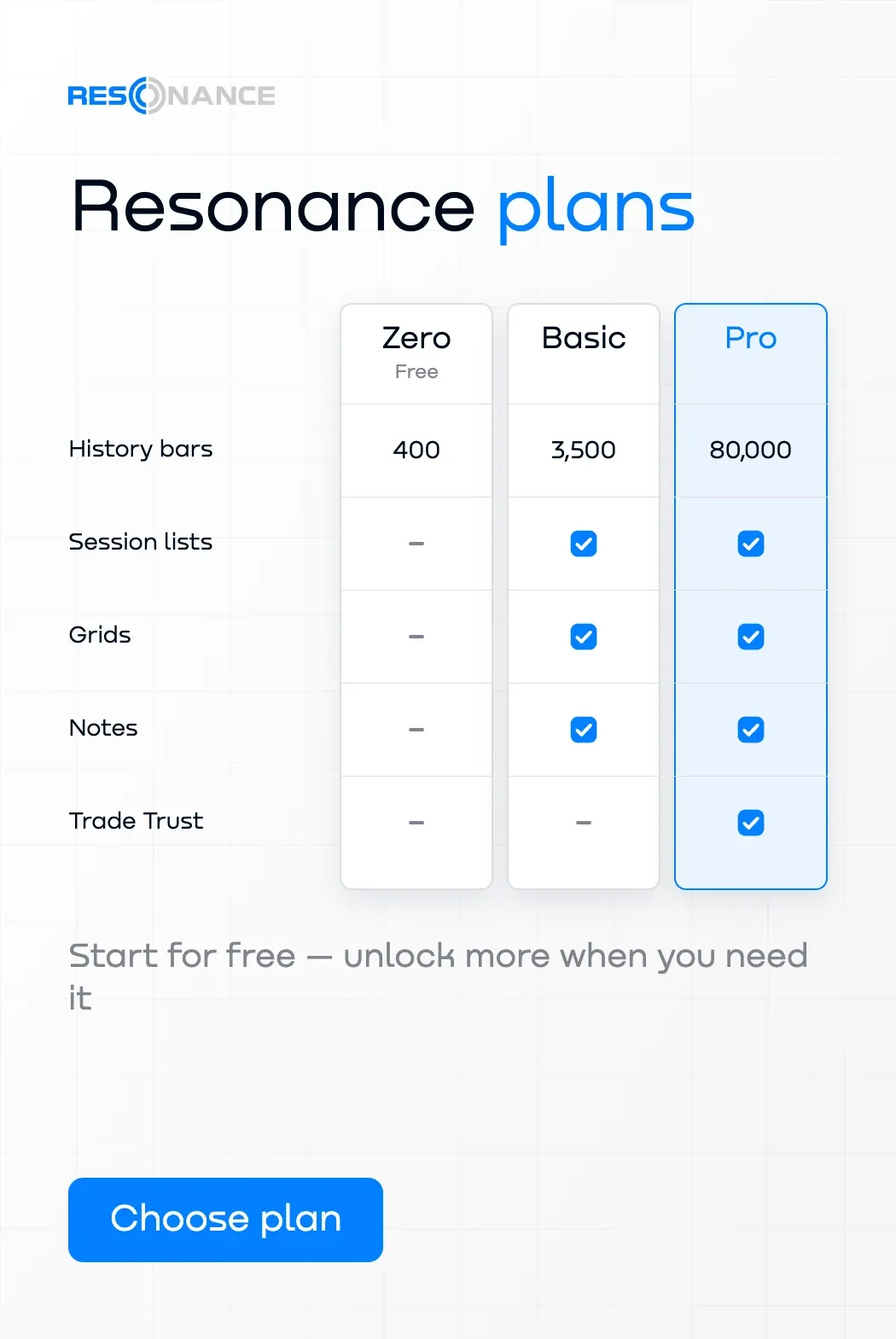
- No password, your own plan. The section used to be available only to a focus group. Now it is open to everyone, and an intraday strategy plan has appeared on the pricing page. Without the plan you can see which subscriptions are missing, and the button takes you straight to the right one.
- The interface remembers you. “Review” and “Session” keep their settings and chart tools, and deposit and risk are no longer reset on reload. The three session charts are configured independently.
What we improved
- The session is ready to go right away: the first pair in the list is selected, and the ticker card and trade plan are open.
- The chart timeframe no longer changes the list. Opened m1 to take a closer look — the list calculations stay on the list’s own timeframe.
“Review”: What the Market Was Like
Charts of the whole market with a short plain-language summary now sit above the selection funnel tables.
What’s new
- Market coherence by day — how consistently the market moved and what share of coins were chopping sideways.
- Market compression by day — how narrowly the market moves today compared with its usual range.
- Weekly market move — how widely the market moves now compared with its multi-year norm, on the h1, h4 and d timeframes.
- The “Roughness” step with a slice and a “Score” column, where 50 is the middle of the market.
- A “Trades/20 bars” column on “Density” — zero in red means the pair has stopped trading.
- A “pullback covers” line on “Costs” — whether a typical pullback pays for the entry and exit.
What we improved
- Step help texts are now short — one paragraph per block.
- Duplicates are detected by coin, not by pair name.
- Saving a slice asks on every step: replace the existing one or create a new one. The slice is saved in full the first time.
Charts and Tools
What’s new
- A median strip under the cluster chart — the value the strategy uses to filter signals, and its usual spread.
- Reset a slider with a double click (a double tap on a phone) to its default value.
- In “Delta” the first chart can be hidden, and the navigation strip draws the price when the price chart is enabled.
What we improved
- The cluster chart window keeps separate settings for the screener, “Selection” and “To portfolio” — one no longer overwrites another.
- The BAS chart always uses the cluster chart’s timeframe and shows when data is loading.
- Pages with tiles load faster.
What we fixed
- Markup on the live chart is saved reliably, and a message appears if something goes wrong.
- The BAS chart is drawn again, and the BAS2 and Hippo2 tables no longer hang while loading.
- In RTT the OHLC chart updates within the bar and is linked to the cluster chart, and the Hippo heatmap settings take effect.
- The Hippo heatmap no longer goes blank after switching coins.
Simulator and Learning
What we improved
- Coins are no longer filtered out by daily volume — you can learn to read a cluster bar on thin pairs too.
What we fixed
- The pair and dates are hidden again everywhere, including the simulation history and export — there is no way to peek at how it all ended.
- Results are saved even after a trade is partially closed.
- Aires mode no longer turns into regular mode on restart, the session is not dropped while bars are loading, and the tab no longer freezes at startup.
- Leaving a session returns the chart to how it was.
- Charts in the mini-course open with training data instead of empty.
Subscriptions and Payments
What we fixed
- Cancelling a subscription does what it promises: renewal is cancelled, and the paid period runs to the end. A stuck subscription can be cancelled too.
- Amounts on payment pages are always up to date, and the partner balance card shows the amount available for withdrawal.
- Plan offers name the right plan, and intraday strategy blocks are unlocked for those who paid for it.
Minor Improvements and Fixes
- The screener no longer crashes in the data types menu.
- Completed tours are remembered on your account and do not show up again.
- The notes list no longer crashes on liquid pairs, and note filters forget deleted items.
- Tooltips close when you click outside them and no longer hide under a window.
- The price in the tab title keeps up with the chart.
- A renamed session list no longer disappears, and a new one no longer loses the pairs added to it.
- FTT marks from the previous exchange no longer linger.
- Connection errors say exactly what failed.
September opened the intraday strategy to everyone and gave “Review” a view of the whole market.
No need to invent complex schemes or hunt for the “grail”. Use the tools of the Resonance platform.
Sign up on exchanges via our links and get bonuses:
OKX | BingX | KuCoin.
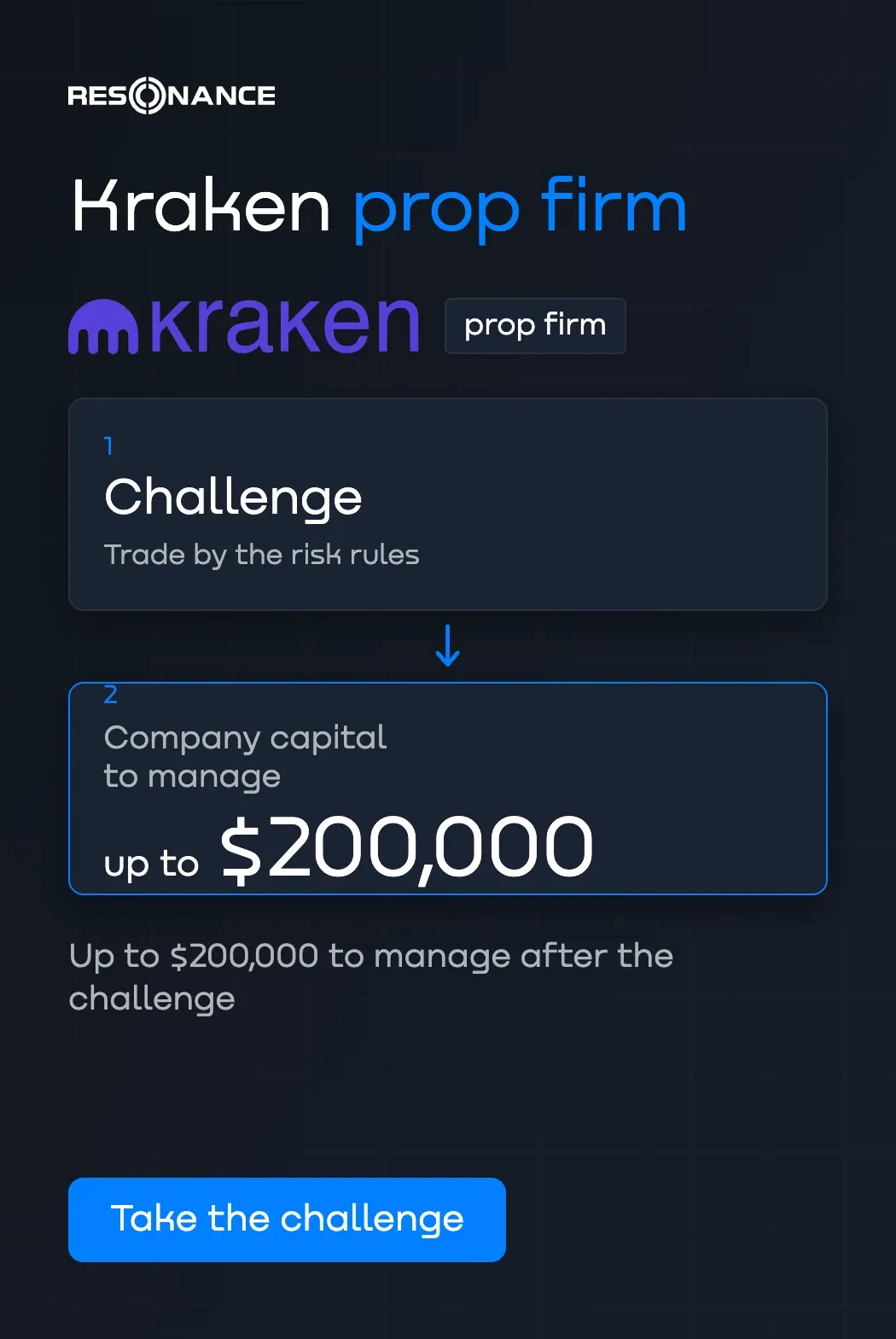
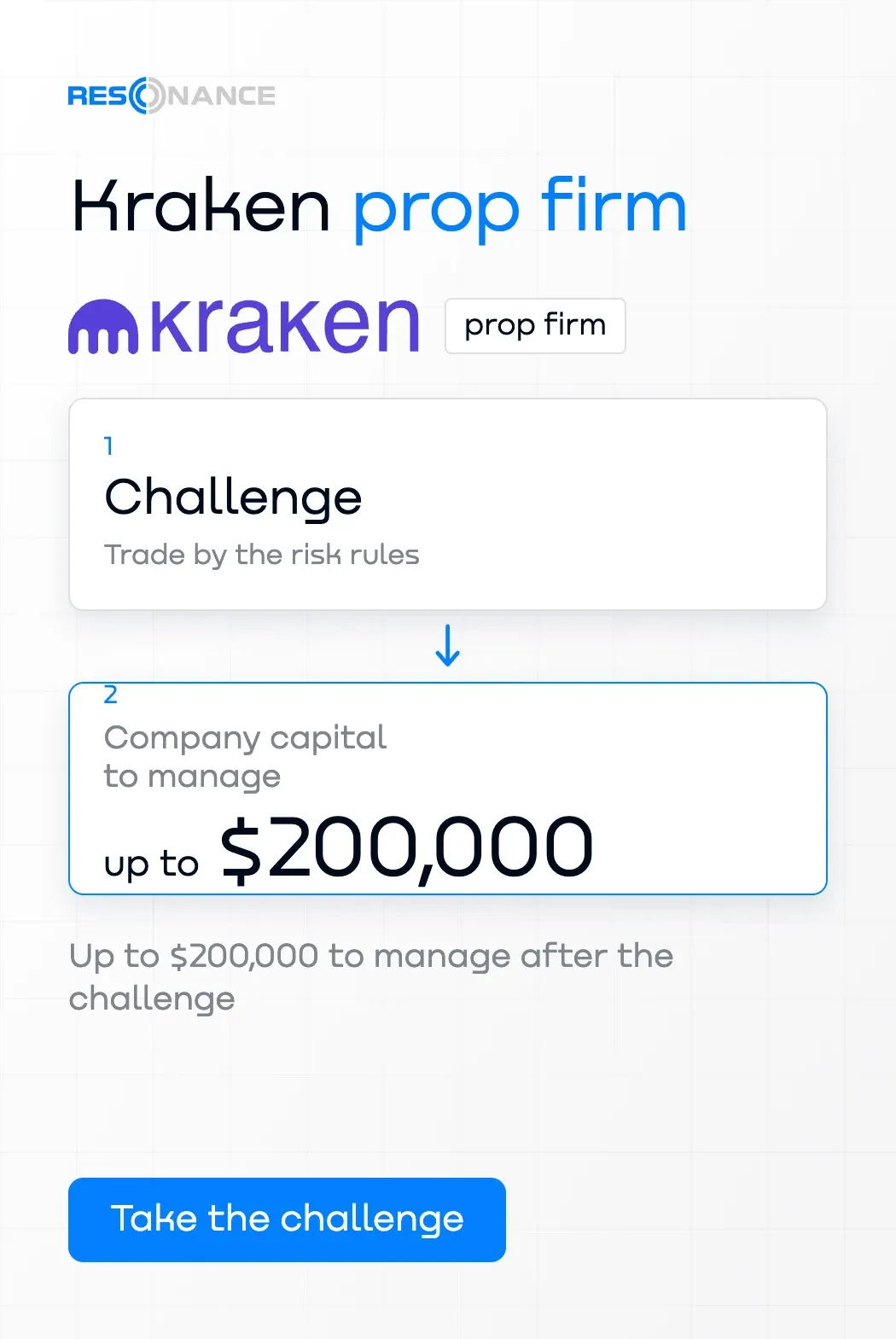
Prop firm — trade with the company’s capital: Kraken.
Recommended articles